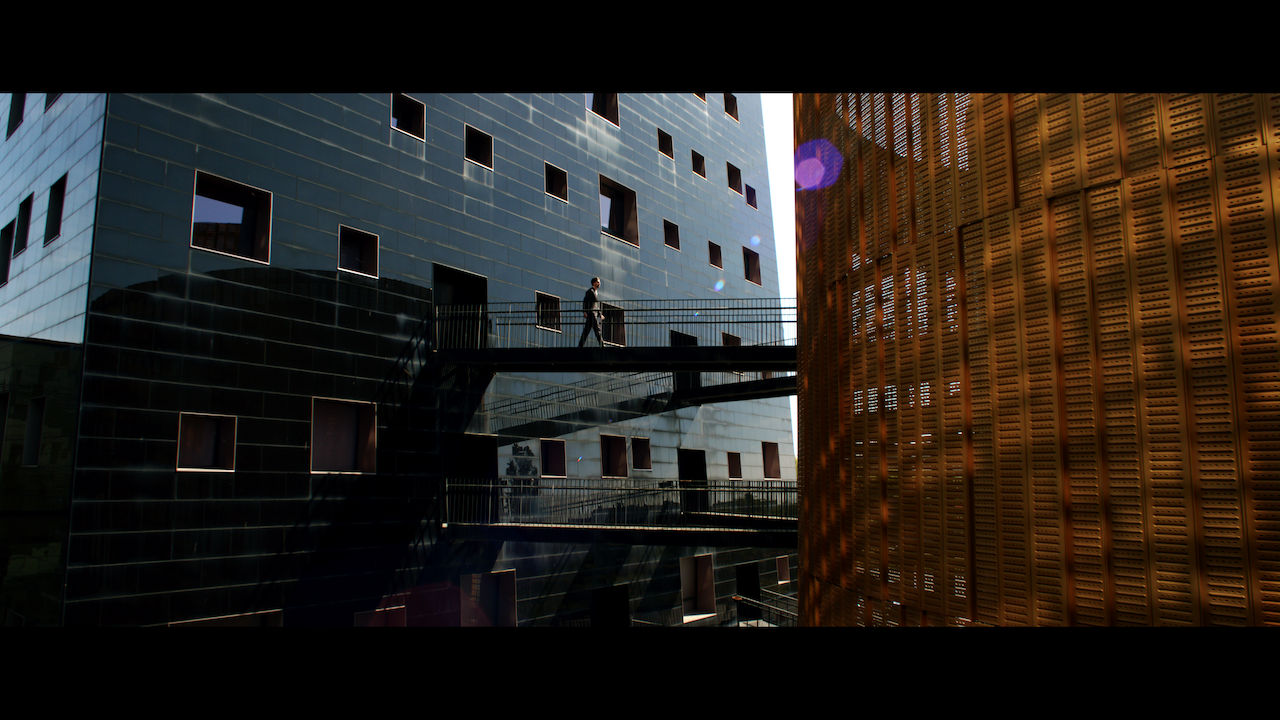
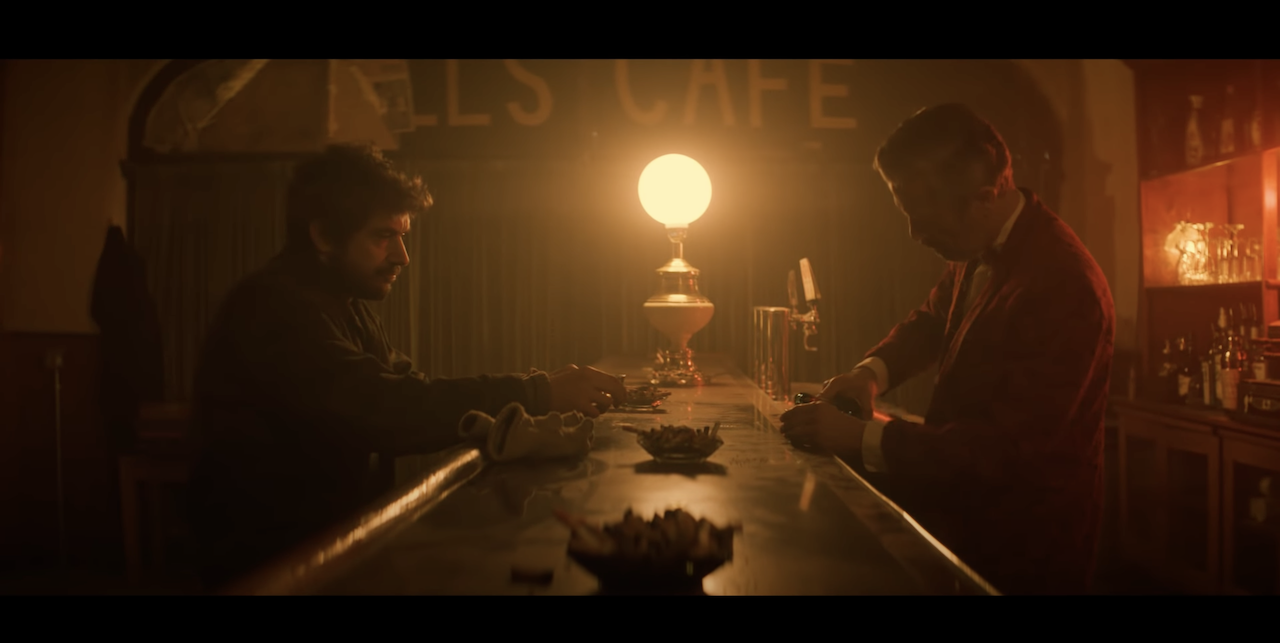
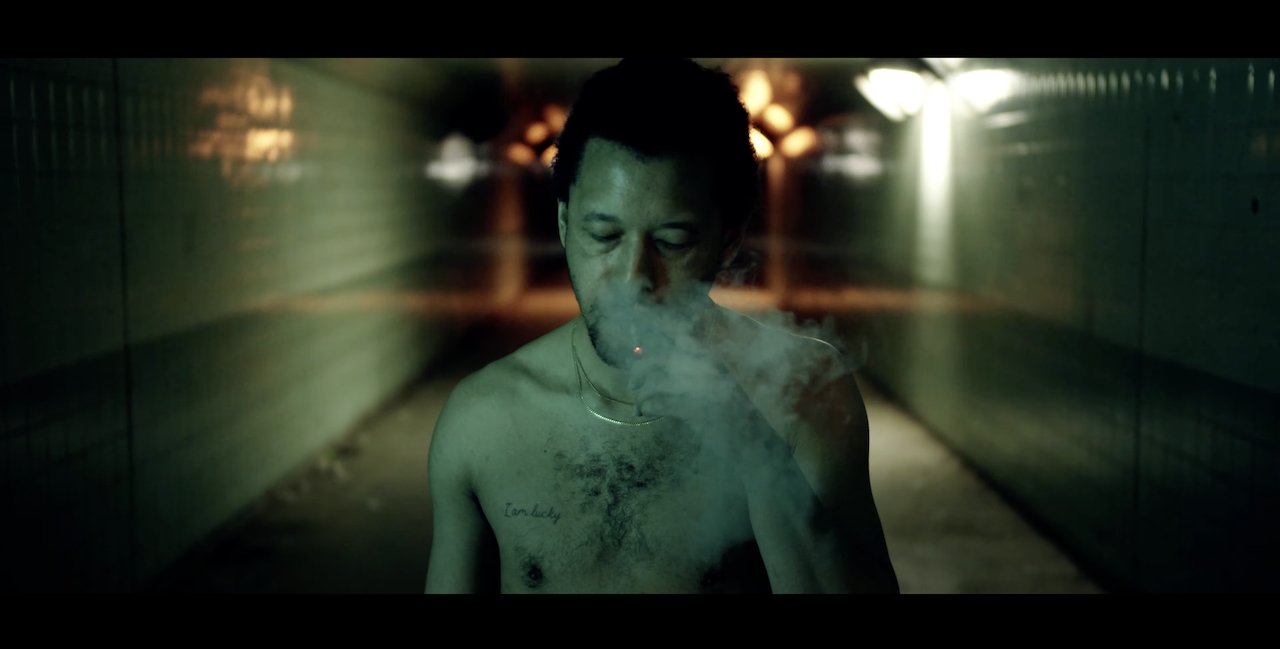
 Image 1 of 1
BUTTERY Master Collection (630 LUTs) - For ALL the supported cameras
BUTTERY LUTs support 20+ camera brands and 100+ camera models — including Blackmagic, Sony, Canon, Fujifilm, Panasonic, Nikon, DJI, RED, ARRI, and iPhone. Full compatibility list below:
Blackmagic: BMPCC/4K/6K/6K Pro/6K G2/BMCC6K Full Frame/PYXIS 6K, Ursa Mini Pro (G1/G2/12K/12K CINE)/PYXIS 12K
Fujifilm: Flog/Flog2 — XT3/XT4/XT5/XT30/X-H2S/X-H2/GFX100 II
Panasonic: GH5/GH5S/GH6/GH7, S1/S1H/S5/S5II/S5IIX/S9
Leica: SL, SL2, SL2-S, SL 3, SL 3-P, Q3 (L-Log)
Canon: EOS R, R6 (Clog/Clog3), R5/R5C (Clog/Clog3), CLog2 (all Canon cameras that can shoot Clog2)
Nikon: NLog — Z9, Z8, Z7II, Z6III, Z6II
Sony: Alpha (A7IV, A7S III, A7S II, A7III, A7R III, A7R II) | FS5/7 | RX | ZV-1 | FX9 | FX3/FX5/FX6/FX30/ZV-E1 — SLog2/3
DJI: Mini 3/4/5 Pro, Mavic 2 Pro, Mavic 3, Mavic 3 Pro, Mavic 4, Air 2S, Mini 3 Pro, Phantom 4 Pro/X7, Ronin 4D, Osmo Pocket 2/3/4/4P — DLog, DLog2, DLog-M, D-Cinelike
Kinefinity: Terra 4K/Mavo LF/Mavo6K
ZCam: all supported models that shoot Z-Log
Arri: all camera that shoot Log C
RED: DSMC2/Komodo, Nikon ZR — IPP2
Apple: iPhone/iPhone 15 Pro/16 Pro/17 Pro (Apple Log/Log2)
All cameras above are fully covered by both the Natural Rec709 and Creative LUT sets in the Master Collection.
HOW TO USE BUTTERY LUTs:
Shoot in LOG — Our LUTs are designed exclusively for LOG footage (any ISO, any lighting).
Apply the LUT — In DaVinci Resolve, Premiere Pro, Final Cut X, or any software supporting .cube files, apply the LUT to your clip.
Fine-tune — Adjust exposure, contrast, white balance, or tint to taste. That's it — one LUT works across all lighting conditions.
Note for original BMPCC users: Fully compatible only when shooting RAW. Switch color science from v1 to v4 in DaVinci Resolve's RAW settings, then apply the Natural Rec709 LUT.
Note for Blackmagic shooters: Blackmagic cameras add a +10 tint by default on daylight white balance — we recommend resetting to zero and adjusting tint manually per shot.
Check out this tutorial to see how to use the BUTTERY LUTs!