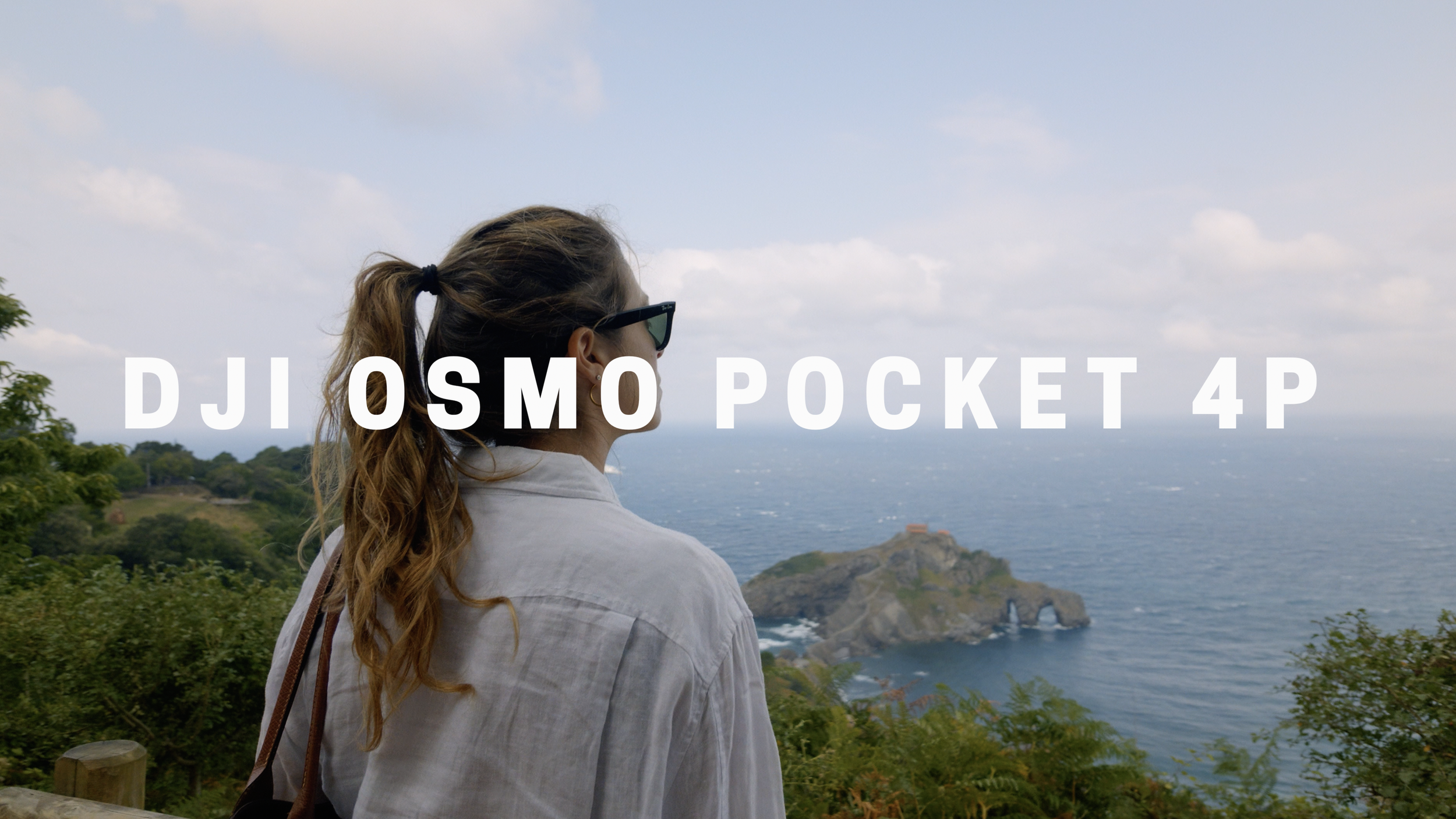
DJI D-Log / D-Log2 – Mavic 4 Pro, Mavic 3 Pro, Osmo Pocket 4/4P & More | Natural Rec709

$33.95
Get the most natural colors out of your DJI D-Log and D-Log2 footage with our Natural Rec709 LUTs.

Designed for supported DJI cameras and drones, including Mavic 4 Pro, Mavic 3 Pro, Mavic 3, Mavic 2, Phantom 4 Pro, Inspire 2 / Zenmuse X7, Ronin 4D and Osmo Pocket 4 / 4 Pro our Natural Rec709 LUTs deliver accurate colors, natural skin tones, smooth highlight roll-off, and balanced contrast for a clean, cinematic image.

The package includes dedicated conversions for supported DJI D-Log and D-Log2 recording profiles, along with additional Natural Rec709 variations with different contrast levels, allowing you to choose the look that best suits your footage.

Perfect for both color grading and monitoring, with no complicated color management or additional conversions required. Simply apply the LUT matching your camera's recording profile in DaVinci Resolve, Adobe Premiere Pro, Final Cut Pro, or your favorite editing software.

Compatibility: These LUTs are designed exclusively for supported DJI D-Log and D-Log2 footage. For Inspire 2 / Zenmuse X7 and compatible Mavic 3 footage, use the LUTs labeled “X7,” as specified in the package instructions. They are not intended for D-Log M or D-Cinelike recordings.

Get the most natural colors out of your DJI D-Log and D-Log2 footage with our Natural Rec709 LUTs.

Designed for supported DJI cameras and drones, including Mavic 4 Pro, Mavic 3 Pro, Mavic 3, Mavic 2, Phantom 4 Pro, Inspire 2 / Zenmuse X7, Ronin 4D and Osmo Pocket 4 / 4 Pro our Natural Rec709 LUTs deliver accurate colors, natural skin tones, smooth highlight roll-off, and balanced contrast for a clean, cinematic image.

The package includes dedicated conversions for supported DJI D-Log and D-Log2 recording profiles, along with additional Natural Rec709 variations with different contrast levels, allowing you to choose the look that best suits your footage.

Perfect for both color grading and monitoring, with no complicated color management or additional conversions required. Simply apply the LUT matching your camera's recording profile in DaVinci Resolve, Adobe Premiere Pro, Final Cut Pro, or your favorite editing software.

Compatibility: These LUTs are designed exclusively for supported DJI D-Log and D-Log2 footage. For Inspire 2 / Zenmuse X7 and compatible Mavic 3 footage, use the LUTs labeled “X7,” as specified in the package instructions. They are not intended for D-Log M or D-Cinelike recordings.

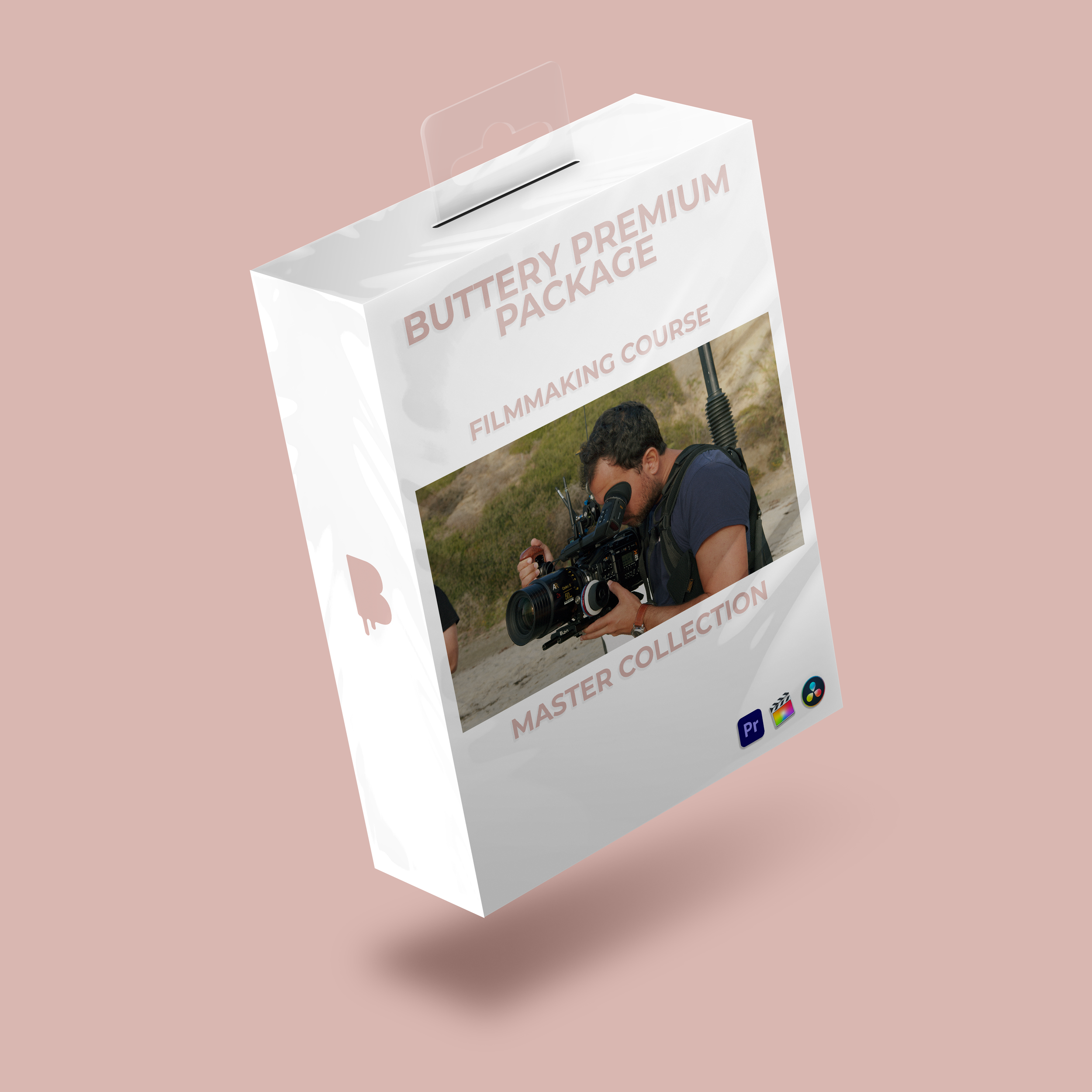
BUTTERY PREMIUM PACKAGE - Filmmaking Course + Master Collection (630 LUTs)
BUTTERY Master Collection (630 LUTs) - For ALL the supported cameras

Using DJI LUTs in DaVinci Resolve (or any other post production software):
BUTTERY DJI LUTs are supplied as standard .cube files and can be used directly in DaVinci Resolve (or any other post production software). Apply the LUT to your DJI D-Log or D-Log2 footage, then make exposure and white-balance adjustments before or underneath the LUT for the cleanest result.

BUTTERY Natural Rec709 LUTs are compatible with your DJI footage and any software that supports .cube LUTs, including DaVinci Resolve, Adobe Premiere Pro and Final Cut Pro.

Check out this tutorial to see how to use the BUTTERY LUTs!