Image 1 of 1
BLACKMAGIC Film Gen4 & Gen5 | NATURAL Rec709


HOW TO USE BUTTERY LUTs:
The workflow is extremely simple. Shoot in Blackmagic Film/LOG and apply the BUTTERY Natural Rec709 conversion LUT directly to your footage in your editing or color grading software. Make your basic adjustments such as exposure, white balance, tint and contrast as needed. No complicated color management or additional conversion is required.
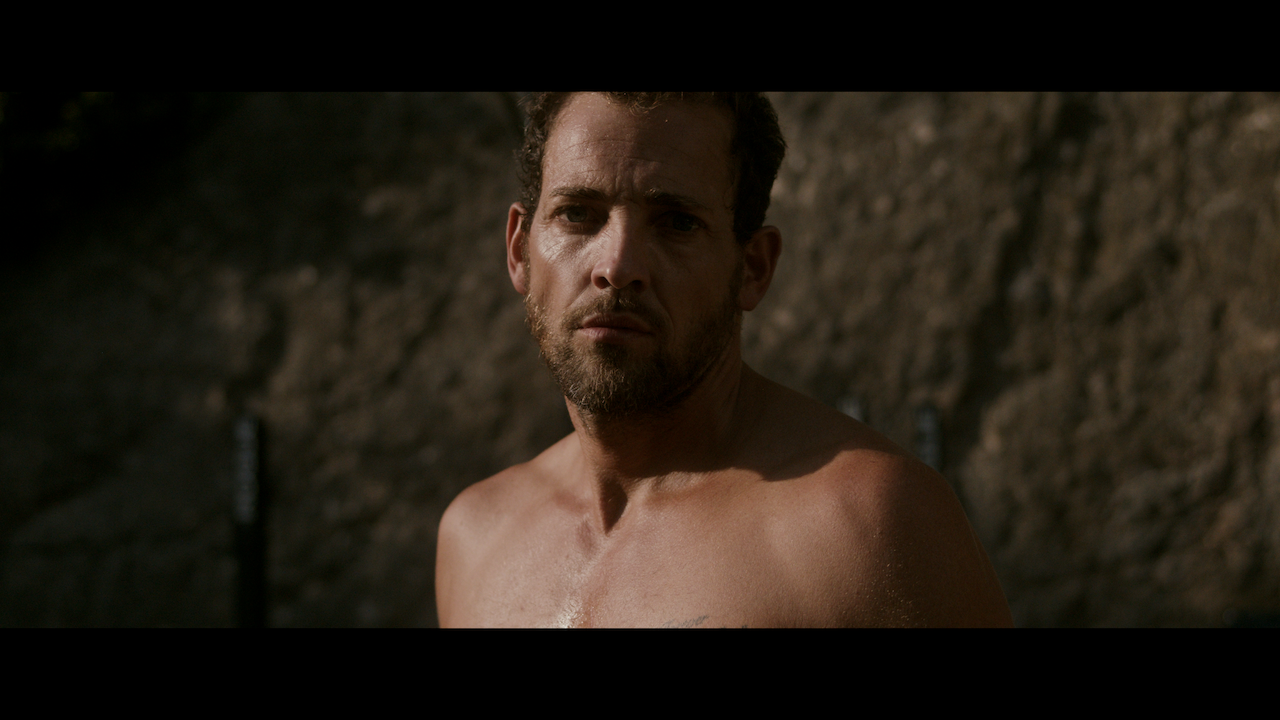
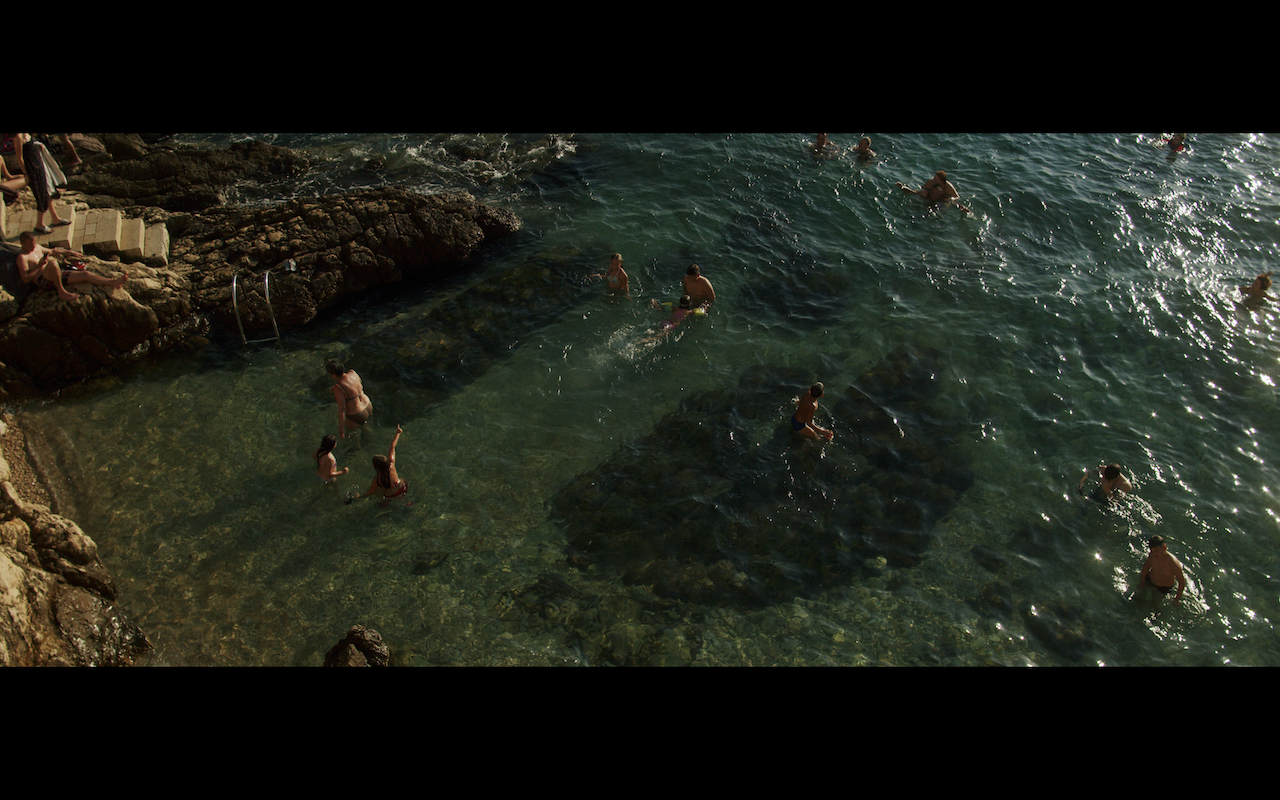
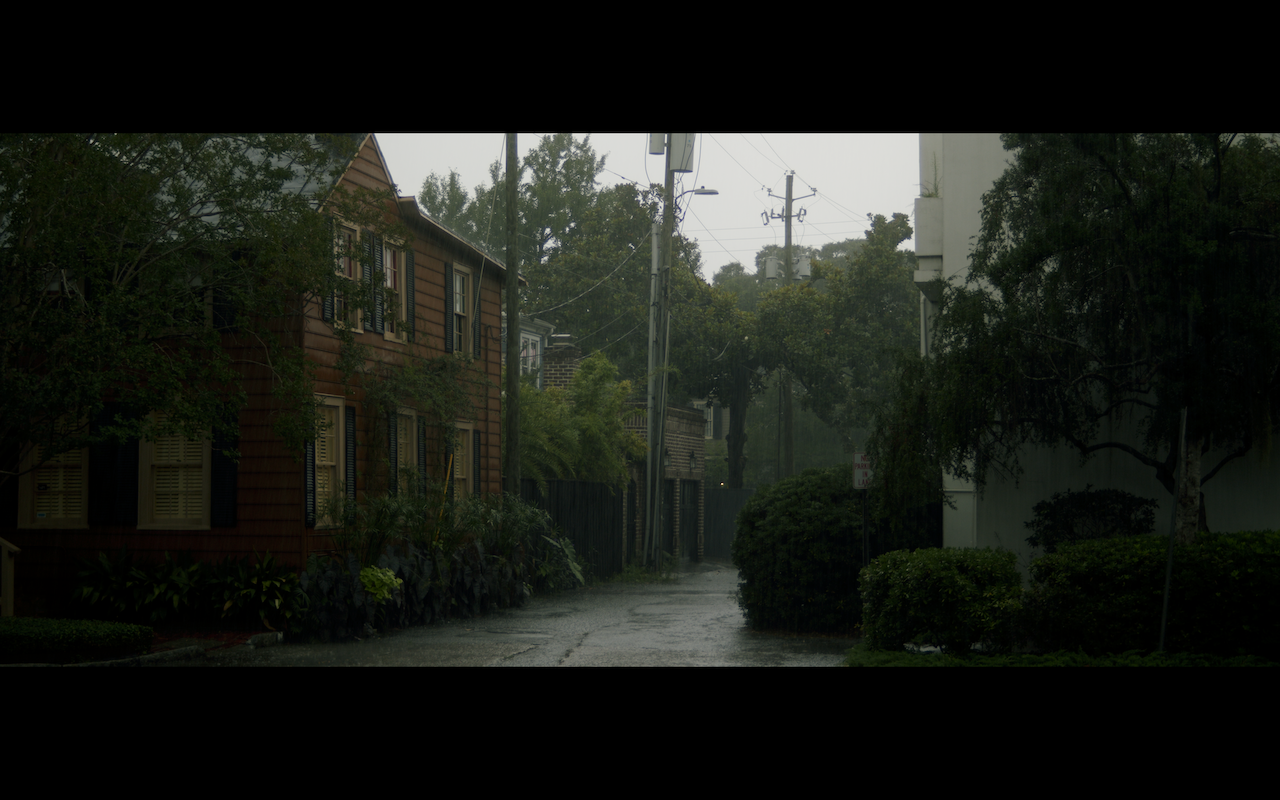
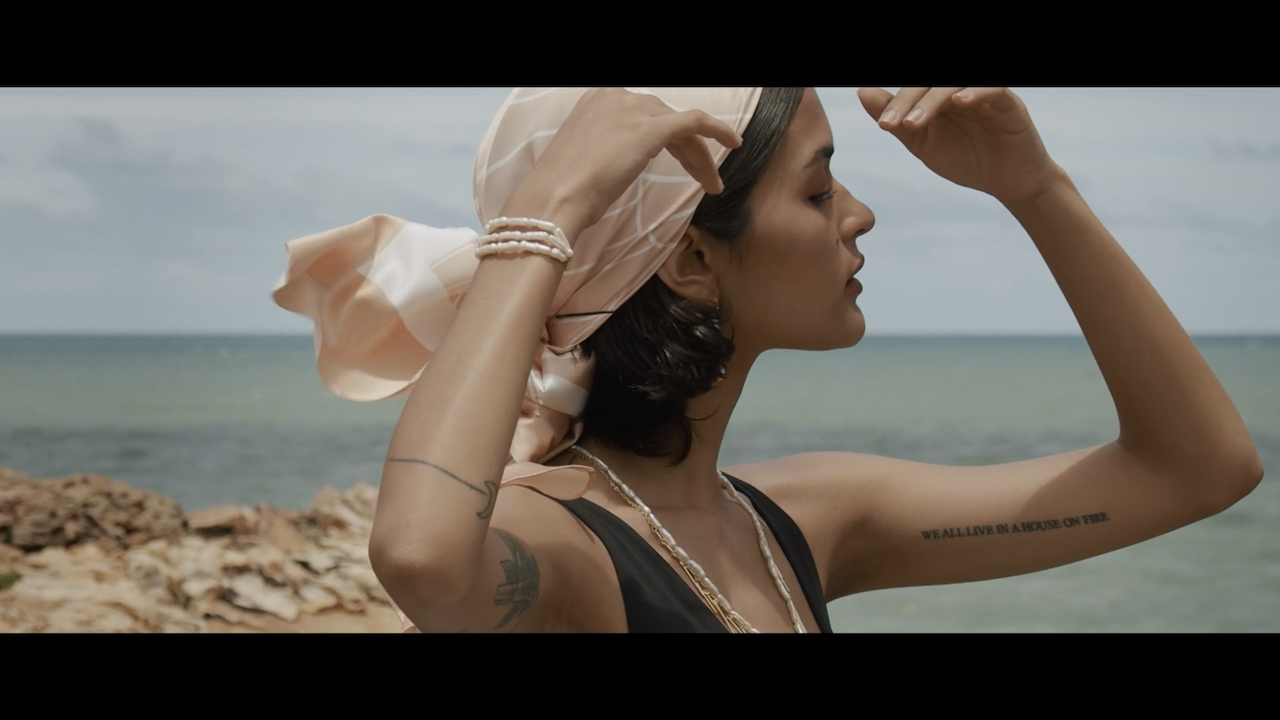
Natural Rec709 is designed as a Log to Rec709 conversion LUT for Blackmagic Film Gen 4 and Gen 5 footage, providing a clean and natural starting point for color grading while maintaining natural skin tones and smooth highlight roll-off.
BUTTERY Natural Rec709 LUTs are compatible with BRAW and ProRes footage and any software that supports .cube LUTs, including DaVinci Resolve, Adobe Premiere Pro and Final Cut Pro.
Natural Rec709 can also be loaded into compatible Blackmagic cameras as a monitoring LUT, allowing you to preview a natural Rec709 image while recording in Blackmagic Film/LOG.
NOTE: Blackmagic cameras may add a +10 tint value when white balance is set to daylight. We recommend setting tint to ZERO as a starting point and adjusting it in post depending on the lighting conditions..
Check out this tutorial to see how to use the BUTTERY LUTs!